Collecting data
Using AI image classification (beta) for benthic photo quadrats
Managing data and projects
Viewing filtered data in table view
Using MERMAID Explore
 Viewing filtered data in table view
Viewing filtered data in table view
For a tabular summary of your filtered data:
Apply your desired filters.
Click the Table view button (looks like a table icon) at the top left of the map.
The table displays summary information (Project Name, Dates, Countries, Organizations, Survey/Transect counts) for the filtered projects.
To export this summary table, click Export CSV at the top of the table.
Switch back anytime using the Map view button (looks like a map icon
 ).
).
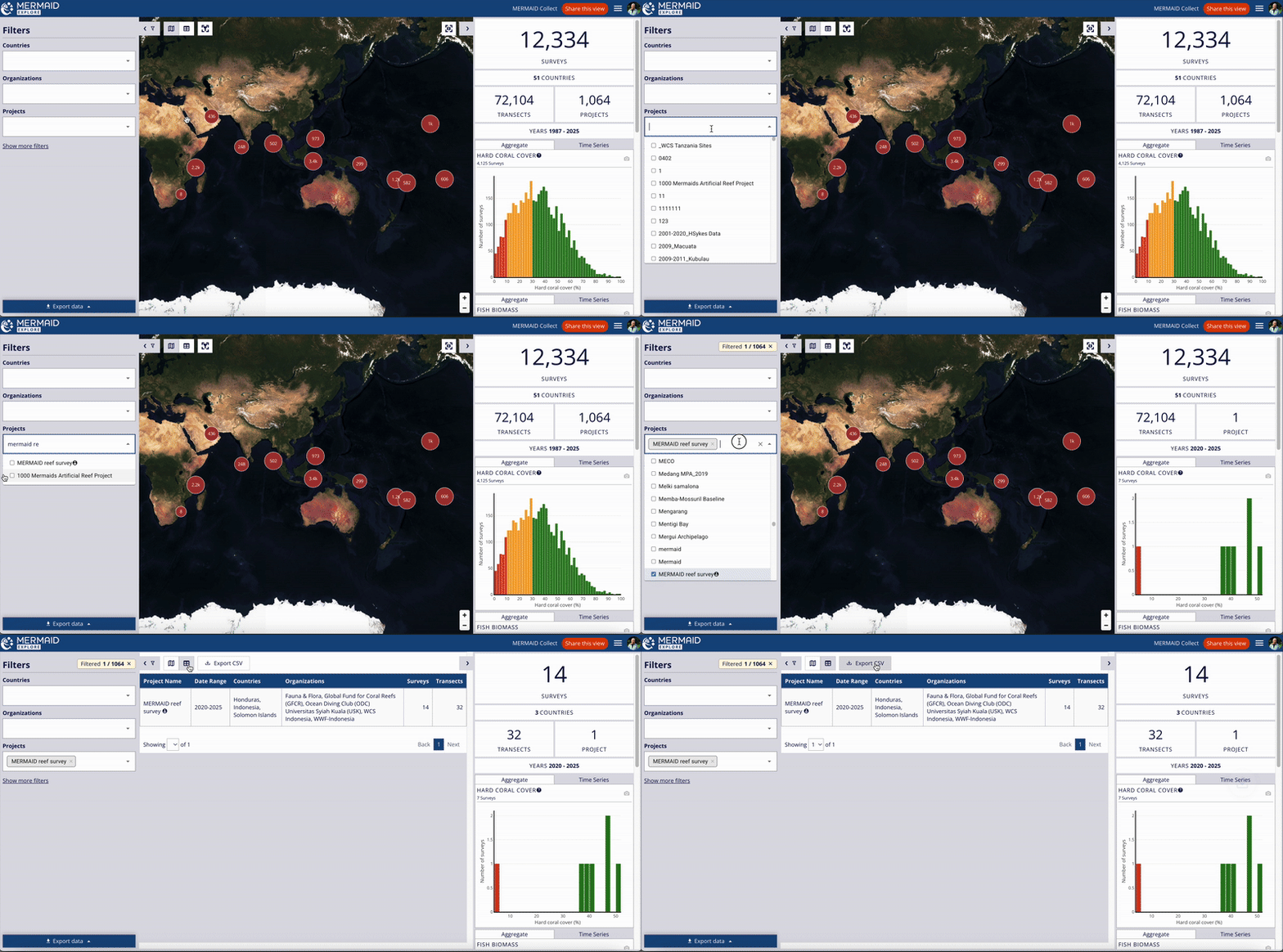
Switch to Table View to see a summary of filtered projects and export it as a CSV.